How landed works · updated 2026-11-04
Where can I use landed?
Short answer
landed runs in the web app on desktop and phone, on WhatsApp, in a Chrome extension, and in Claude, Cursor or any MCP client through landed's MCP server. Your applications and facts are the same everywhere.
Web app
Everything starts at app.landed.jobs: your Inbox, Jobs, interview Practice and Profile. On a phone the same app has Inbox, Jobs, Prep and You tabs. Ask Enzo, landed's assistant, from any page.
WhatsApp and Gmail
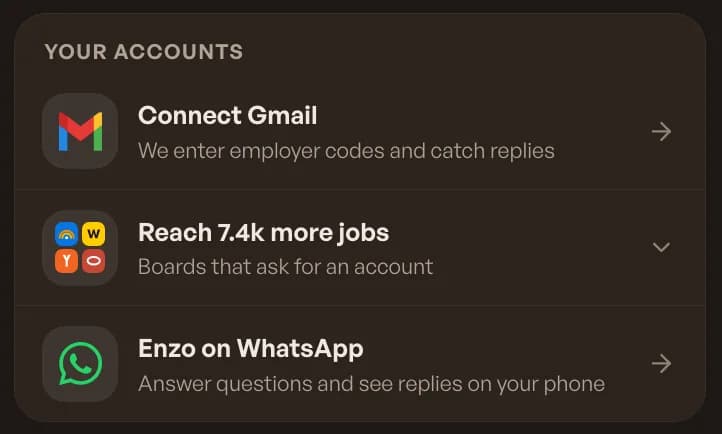
Under Your accounts in the Inbox, connect Enzo on WhatsApp to answer an application's questions and see replies on your phone. Connect Gmail so landed can enter employer codes and catch replies sent to your own address.
Chrome extension
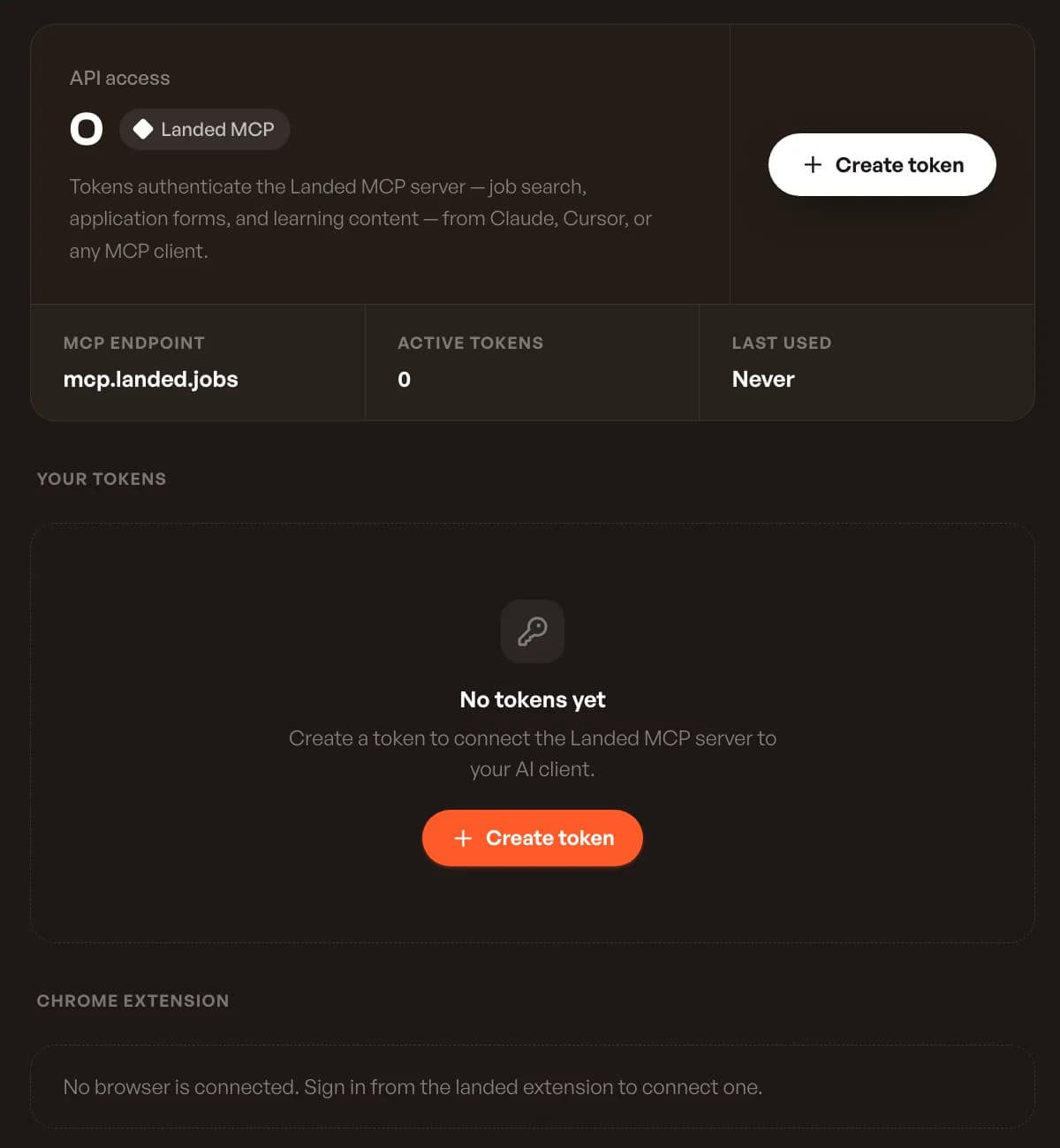
The landed extension opens a side panel on an employer's application page and fills the form from your landed answers. You review every answer and press the employer's Submit. The extension never submits for you. Connected browsers are listed on the API tokens page.
Claude, Cursor and other MCP clients
landed's MCP server at mcp.landed.jobs gives your AI assistant job search, application forms and learning content. Create a token on the API tokens page, paste the config into your MCP client, and swap in the token.
landed applies. You interview.
Let landed apply for you
10 free applications, no card. Answers written for every job, on the company’s own site.
Keep reading