How landed works · updated 2026-11-04
How do I set up landed?
Short answer
Add your résumé (PDF or Word) or paste your LinkedIn link, then answer seven short screens about the roles, level, places, pay and companies you want. landed then shows your first 5 matching roles, and you choose whether to send them or look around first.
Start with your résumé
The first screen asks for one file. Drop a PDF or Word résumé, or paste your LinkedIn profile link if you have no file to hand. landed reads it in a few seconds and uses it to suggest roles and fill your profile. Only you and the employers you apply to see it.
Pick the roles and level you want
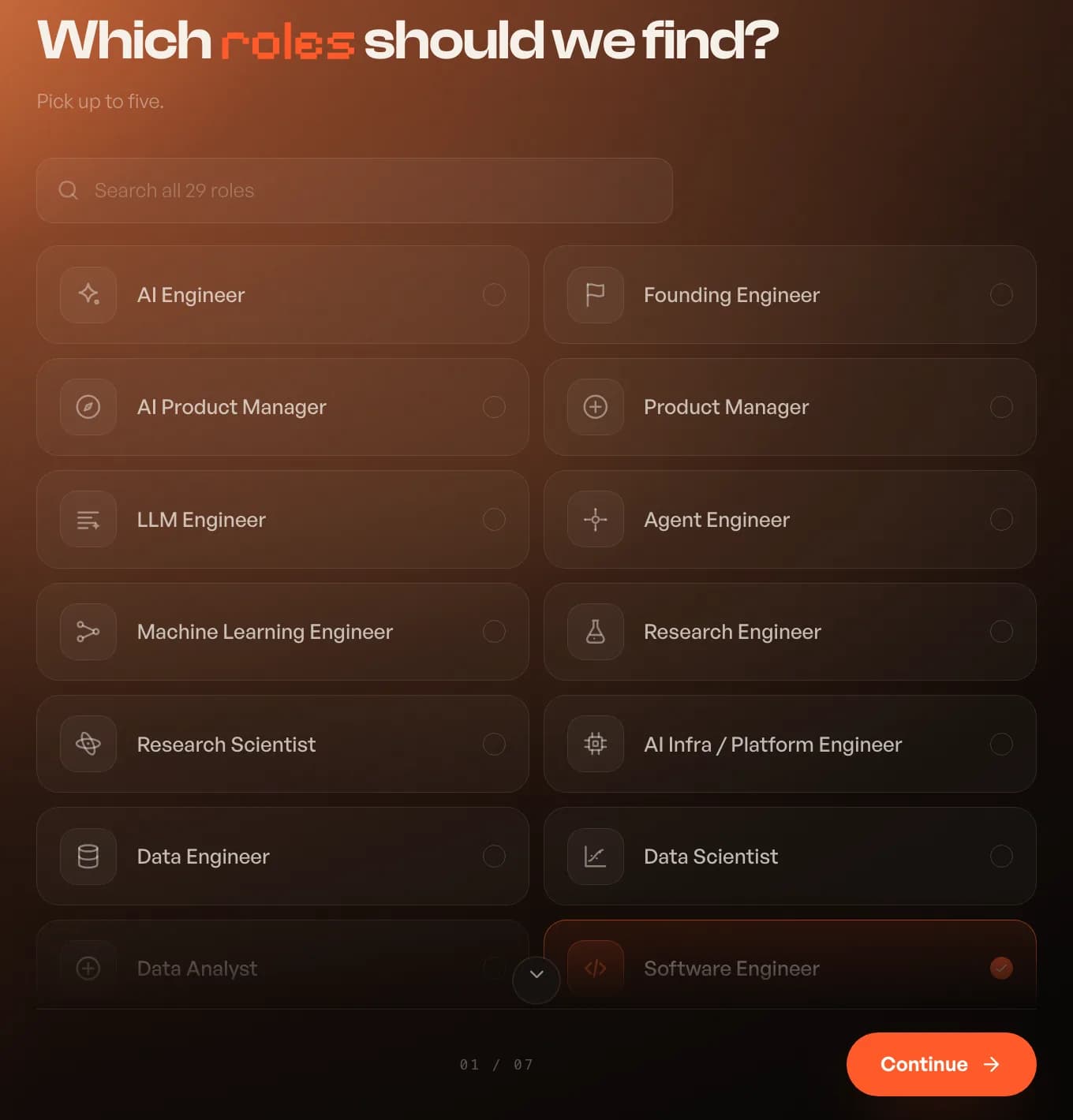
landed suggests roles from your résumé, and you can pick up to five from 29, such as Backend Engineer, AI Engineer, Product Manager or Data Scientist. If yours is missing, tap "My role is not here". Next you choose the level you want in your next role: Junior, Mid-level, Senior, Staff, Lead or Executive. A third screen asks what you are best at, so matches use those strengths.
Say where you can work
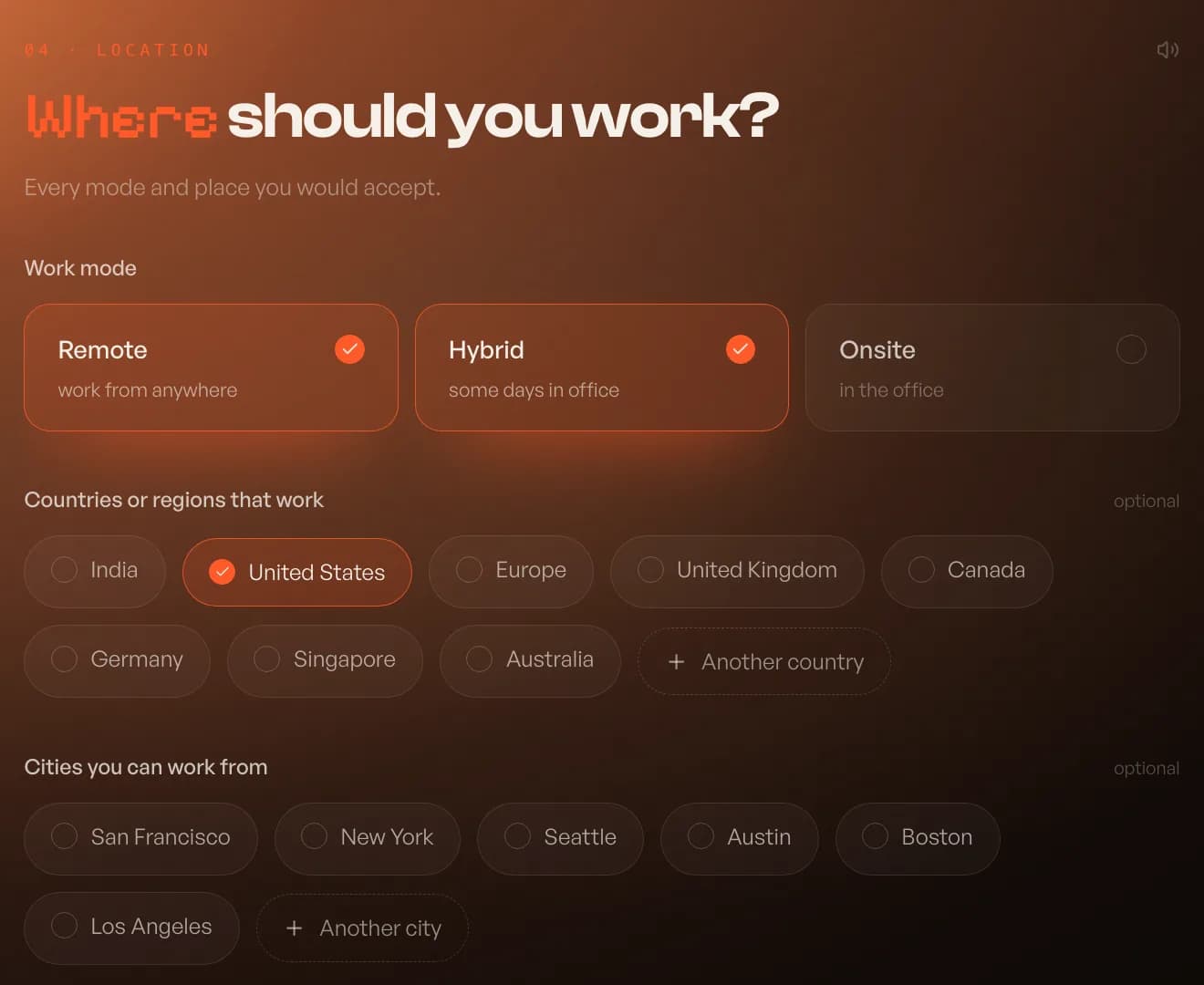
Pick every work mode you would accept (Remote, Hybrid, Onsite), then the countries or regions and the cities that work for you. The city list changes with the countries you pick.
Work authorization and pay
One screen asks where you are allowed to work today and, for every other country you picked, whether you need sponsorship. landed answers those questions on every application from then on. The same screen asks the base pay that would make a move worth it, per market. landed never asks what you earn now.
- Authorized: citizenship, residency or a work permit you hold
- Not authorized: choose Sponsor me or Not needed per country
- Pay: a yearly figure per market, or a custom amount
Choose the kind of company
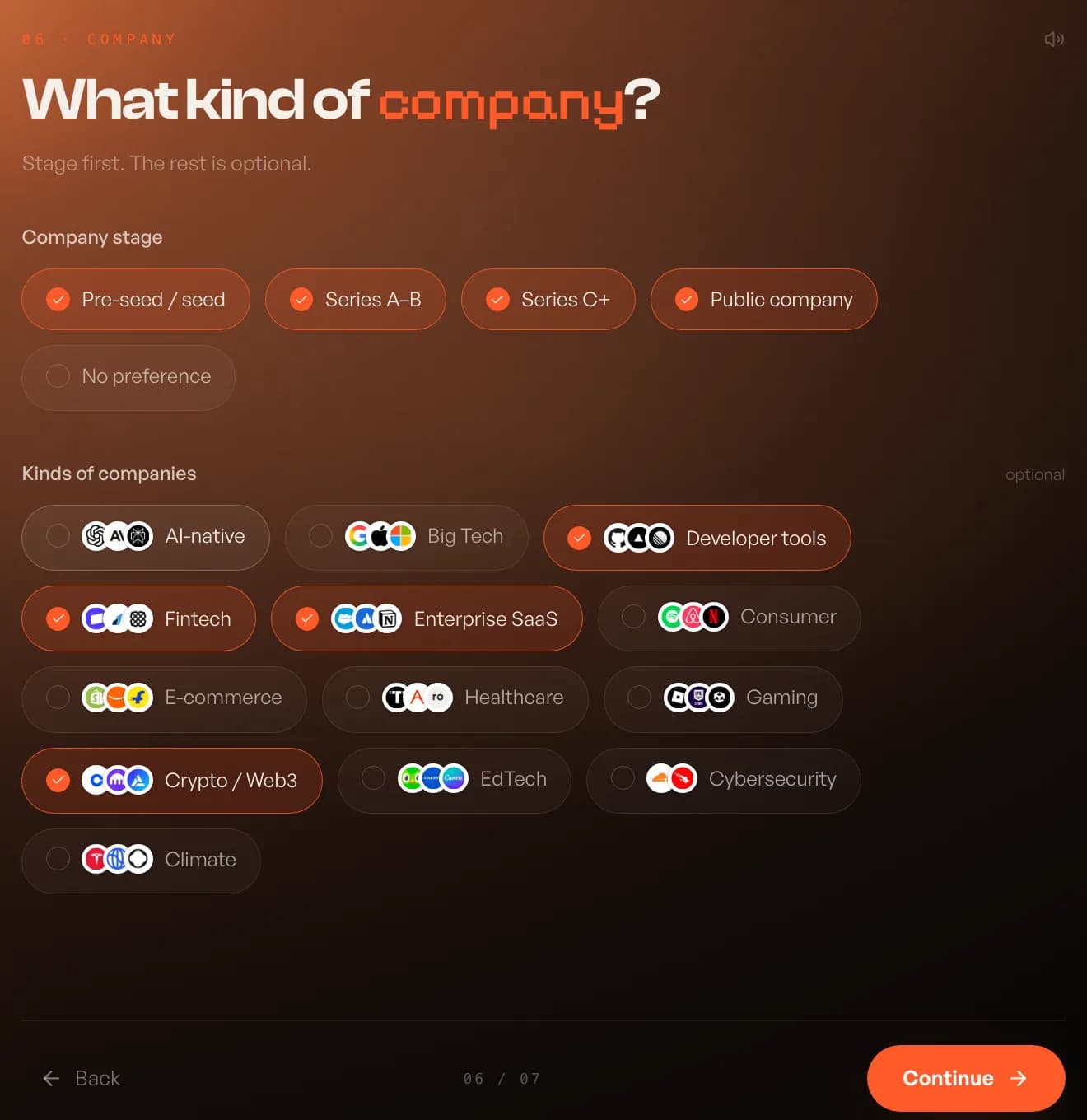
Pick company stages (pre-seed or seed, Series A to B, Series C and later, public) or No preference. Kinds of company, such as AI-native, developer tools, fintech or healthcare, are optional. The last screen asks how you heard about landed, and you can skip it.
Your first 5 roles
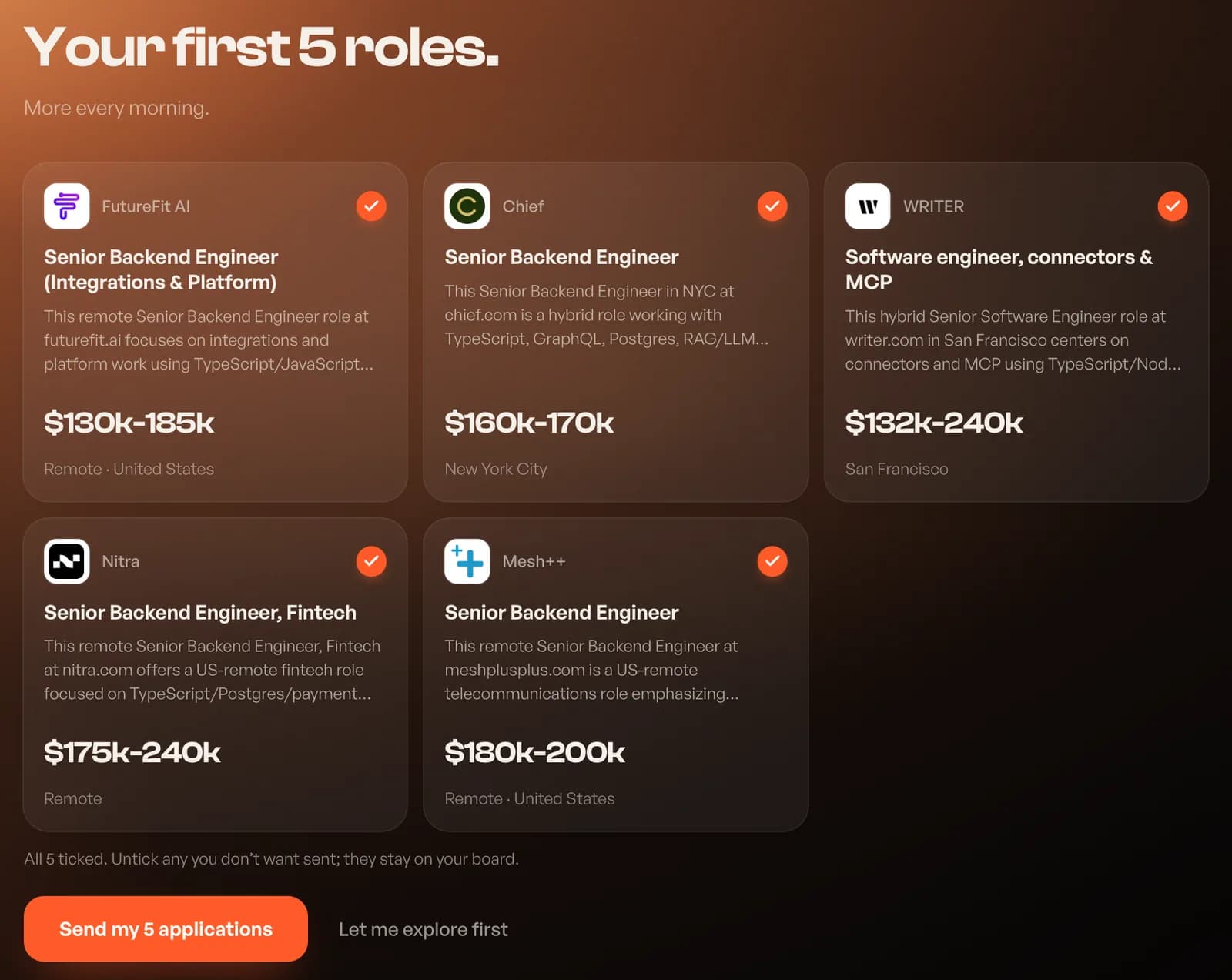
When you press Find my roles, landed searches and shows your first 5 matches with the company, pay band, location and a line on why each one fits. All 5 are ticked. Untick any you do not want sent, then press Send my applications, or choose Let me explore first and nothing is sent. Unticked roles stay on your board. More matches arrive every morning.
landed applies. You interview.
Let landed apply for you
10 free applications, no card. Answers written for every job, on the company’s own site.
Keep reading