How landed works · updated 2026-11-04
Does landed work if I need visa sponsorship?
Short answer
Yes. You tell landed, per country, whether you can work there and whether you need sponsorship. landed hides roles that say they cannot sponsor you and answers the legal questions on every form the way you set them.
Set it during setup
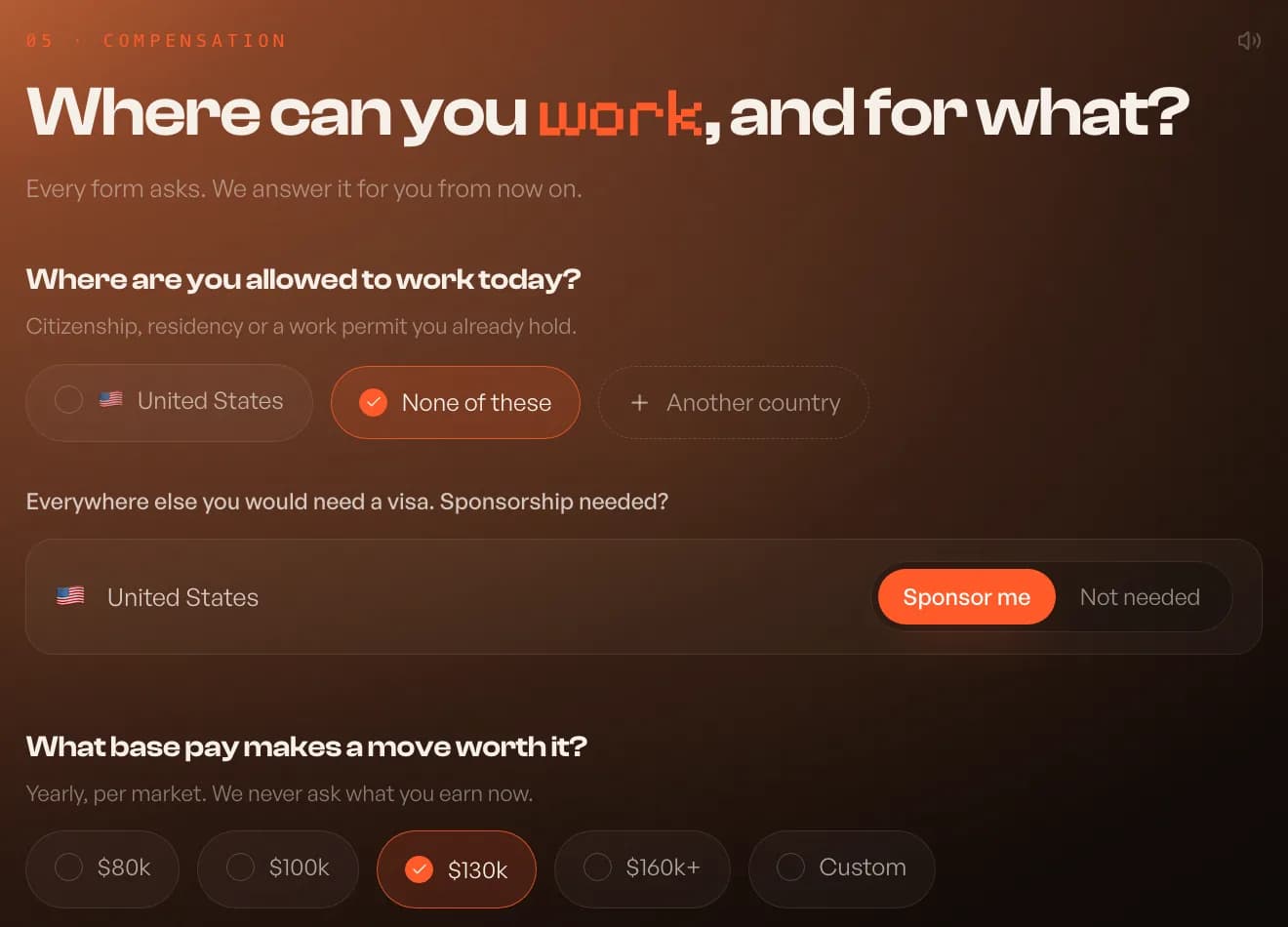
The setup screen asks where you are allowed to work today: citizenship, residency or a work permit you already hold. For every other country you picked, choose Sponsor me or Not needed. That covers students on OPT, H-1B holders, UK Skilled Worker visas and similar cases.
Change it later
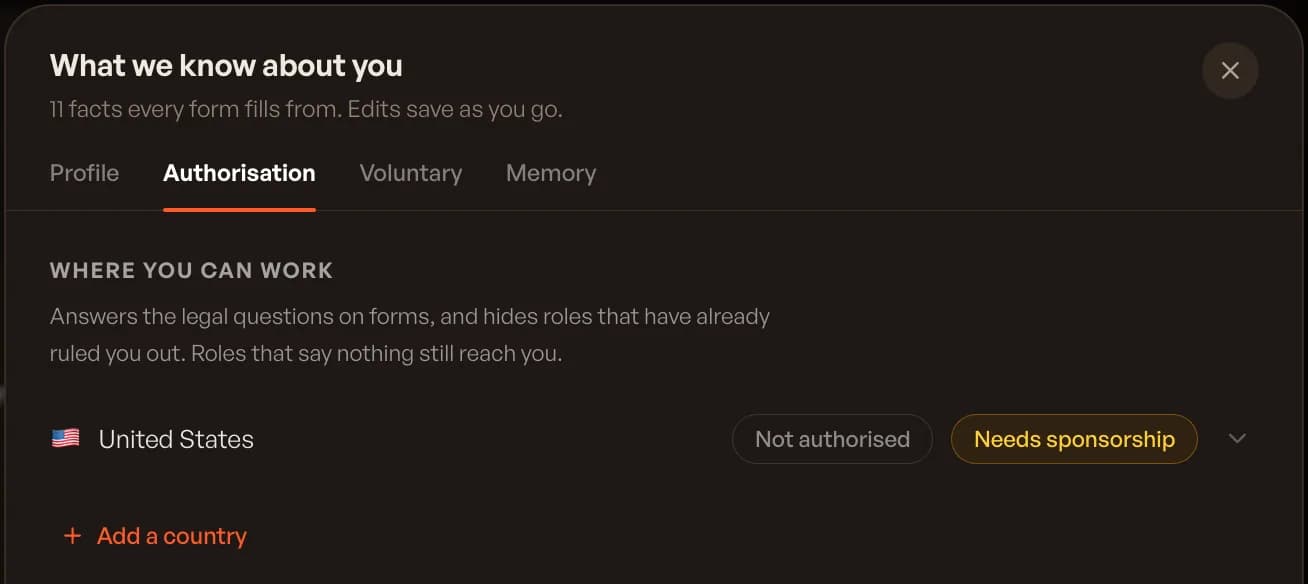
Open What we know about you from your Inbox, then the Authorisation tab. Each country shows whether you are authorized and whether you need sponsorship. Open a country to change it or add a security clearance, or press Add a country.
What landed does with it
landed uses your answers in two places.
- Matching: roles that rule you out are hidden; roles that say nothing about sponsorship still reach you
- Forms: "Are you authorized to work?" and "Will you need sponsorship?" are answered from your settings, never guessed
Finding sponsors
landed's visa pages list companies hiring by country and role, from live postings. For the official lists, see How do I find companies that will sponsor my visa? in Popular questions.
landed applies. You interview.
Let landed apply for you
10 free applications, no card. Answers written for every job, on the company’s own site.
Keep reading